Simple state machines for Laravel models
Categories: Laravel
Tags: #State Machines , #Events
Background
I watched a Laracon US talk by Jake Bennett called "State Machines". It was an easy to understand talk on a State Machines implementation in PHP using only vanilla classes and interfaces. (This was also long before using state machines for my theme switcher, but that is where the idea came from.)
I decided to try it out using my blog posts. Since my posts only had concepts of "published" and "unpublished" at the time, this was a pretty easy use case.
Create an interface
This will represent all transitions a state machine supports.
interface PostStateContract
{
	public function unpublish(): bool;

	public function publish(): bool;
}
Define a parent state class
This parent will implement the interface and define base transition methods. The parent's versions should all throw exceptions.
Also, the state classes should receive the model they'll work with.
abstract class PostState implements PostStateContract
{
	public function __construct(
		protected Post $post,
	) {}

	public function unpublish(): bool
	{
		throw new \Exception(__("Post ':post' cannot be unpublished.", [
			'post' => $this->post->id,
		]));
	}

	public function publish(): bool
	{
		throw new \Exception(__("Post ':post' cannot be published.", [
			'post' => $this->post->id,
		]));
	}
}
Create child classes for each state
If a child state is allowed to transition to another state, it should override the parent method that represents that transition and define its own transition logic.
In this case, a PostPublished state would only define an unpublish() method:
class PostPublished extends PostState
{
	public function unpublish(): bool
	{
		$this->post->published = false;

		return $this->post->save() || parent::unpublish();
	}
}
And a PostUnpublished (or PostDraft) state would define a publish() method:
class PostUnpublished extends PostState
{
	public function publish(): bool
	{
		$this->post->published = true;

		if (!$this->post->published_at) {
			$this->post->published_at = now();
		}

		return $this->post->save() || parent::publish();
	}
}
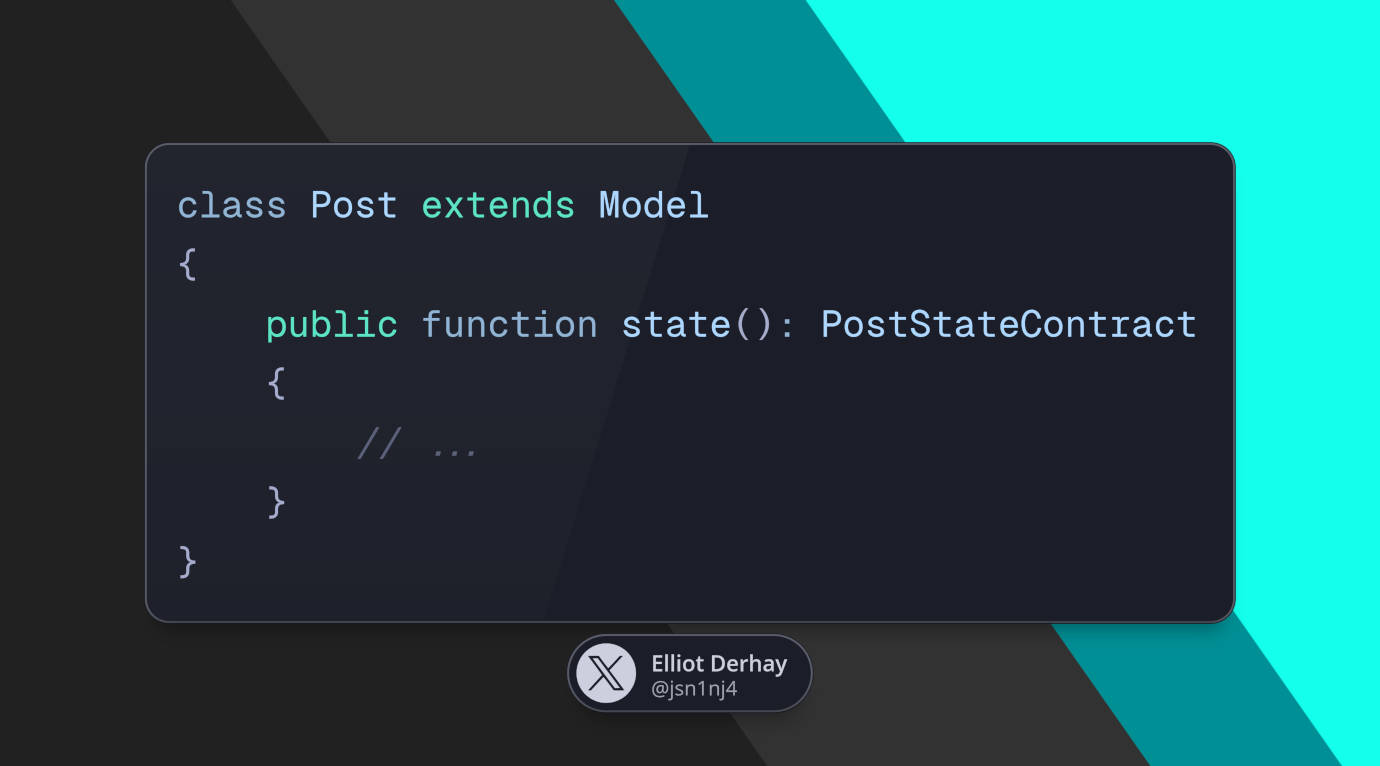
Provide a state method on the related model
This method will only resolve a model's current state, not update anything.
class Post extends Model
{
	public function state(): PostStateContract
	{
		return match($this->published) {
			true => new PostPublished($this),
			false => new PostUnpublished($this),
			default => throw new \Exception("Unresolvable `\$post->published` state. Expected: `true` or `false`. Actual: '{$this->published}'."),
		};
	}
}
- The
defaultbranch here is redundent since I was working with aboolfield at the time, but I threw it in following the talk and examples I had seen, just for the heck of it.
And now that all of that is wired up, you can pass the state where you want and simply call the available methods:
$post->state()->publish();
$post->state()->unpublish();
Here are the actual state files at the time and where the Post model used them.
Handling illegal transitions
Since this State Machine model throws exceptions when a transition isn't allowed, you may want to wrap your transition calls in a try...catch.
try {
	$state = new PostPublished($post);

	// example since, in our case, a published post can't use `publish()`
	$state->publish();
} catch (Exception $e) {
	// ...
}
But if an exception is thrown in a queued job, you don't have to catch it. Laravel will retry the job according to your queue config and move it to the "failed_jobs" table if it can't be retried.
Reacting to state transitions
When some state changes succeed, you might want to react to that transition, maybe by sending an event:
$succeeded = $post->state()->publish();

// in our case, if the model saves, it'll return `true`
if (!$succeeded) return;

PostPublishedEvent::dispatch($post);
You can then create listeners that react to those events. Laravel makes connecting events and listeners easy by scanning app/Listeners for listeners that want specific events. So creating a listener for this event is as simple as type-hinting it in its handle() or __invoke() method:
class SendPostPublishedPushNotification
{
	public function handle(PostPublishedEvent $event)
	{
		// ...
	}
}

class PublishPostToSocialChannels
{
	public function handle(PostPublishedEvent $event)
	{
		// ...
	}
}
If you prefer less magic like event/listener discovery, you can still use an EventServiceProvider to manually map events to listeners:
namespace App\Providers;

use App\Events\PostPublishedEvent;
use App\Listeners\SendPostPublishedPushNotification;
use App\Listeners\PublishPostToSocialChannels;
use Illuminate\Foundation\Support\Providers\EventServiceProvider as ServiceProvider;

class EventServiceProvider extends Provider
{
	protected $listen = [
		PostPublishedEvent::class => [
			SendPostPublishedPushNotification::class,
			PublishPostToSocialChannels::class,
		],
	];

	public function boot(): void {}

	// can be used to control auto-discovery
	public function shouldDiscoverEvents(): bool
	{
		return false;
	}
}
While I'm using blog-related examples, for a SaaS, this might be helpful in other ways.
If you have account management, activation steps could be represented like this:
interface AccountState
{
	public function activate(): bool;
	public function suspend(): bool;
}
Maybe it starts with a NewAccount state with both above methods, and the first transition is to AccountActive. This could trigger dashboard notifications or a feature walkthrough to new users. And something like moving from AccountActive to AccountSuspended could notify users that their account has been disabled.
And if you're building an online store, maybe your order uses a state machine with this interface:
interface OrderState
{
	public function pendingPayment(): bool;
	public function awaitingShipping(): bool;
	public function cancel(): bool;
	public function ship(): bool;
	public function complete(): bool;
	public function markReturned(): bool;
}
And the child states for this state machine are Started, PendingPayment, AwaitingShipping, Cancelled, Shipped, Completed, Returned...
Final thoughts
These examples are pretty simple. Entities in real-world applications could have multiple states to manage, so you might want to name states after part of the entity they're for, not after the entity itself (e.g. PostState or OrderSate).
After learning this state pattern, I also found out there are other interesting ways to build state machines, like the monolithic way used by the JS library XState, with 1 caveat: some of what XState does works in JS since the machine is expected to be kept in memory, and most PHP applications are only "alive" for the current request.
Thanks for reading!
6 months ago
JSn1nj4 pushed to master at JSn1nj4/ElliotDerhay.com
6 months ago
JSn1nj4 pushed to develop at JSn1nj4/ElliotDerhay.com
6 months ago
JSn1nj4 pushed to develop at JSn1nj4/ElliotDerhay.com
6 months ago
JSn1nj4 pushed to master at JSn1nj4/ElliotDerhay.com
6 months ago
JSn1nj4 deleted jsn1nj4/jsn-335-refresh-view-live-button-url from JSn1nj4/ElliotDerhay.com