Last Updated Jun 2, 2025
Using Laravel Markdown and Tempest Highlight together
Categories: Laravel
Tags: #Packages , #Spatie , #Tempest , #Markdown , #Tailwind CSS
To start with, I use spatie/laravel-markdown on my personal site—not everywhere, but in spots, including my blog. Laravel Markdown uses spatie/shiki-php and shiki to render code syntax on the frontend.
This has worked great, but I was still a little bothered that I had to use a frontend library for something like this when the Markdown was already being processed on the backend.
Quick disclaimer: Tempest Highlight is in beta at time of writing. I like it, but I am only using it on my personal blog site, which is where I like to toy around with ideas.
Opportunity knocks
While I was trying to upgrade all of my site's packages recently, shiki stopped working locally, again.
I'm honestly not sure why—maybe it was the major version change (I found out Laravel Markdown uses shiki 1.x, but Shiki is up to 3.x).
But I remembered a guy named Brent who works for JetBrains was working on another PHP framework called Tempest, and part of it was a syntax highlight package called tempest/highlight. What stuck out to me aboout temptest/highlight was that it didn't need a frontend JS dependency to handle syntax highlighting, it processed the syntax on the backend instead.
And with this latest little annoyance with Shiki, I finally had an excuse to give Tempest Highlight a try.
Like Shiki, Tempest Highlight also has a decent library of themes to start with. Screenshots may be unavailable for most or all of them, so installing the package and following the steps to import the CSS will be the best way to try the on your code blocks.
Let's get started
Installation
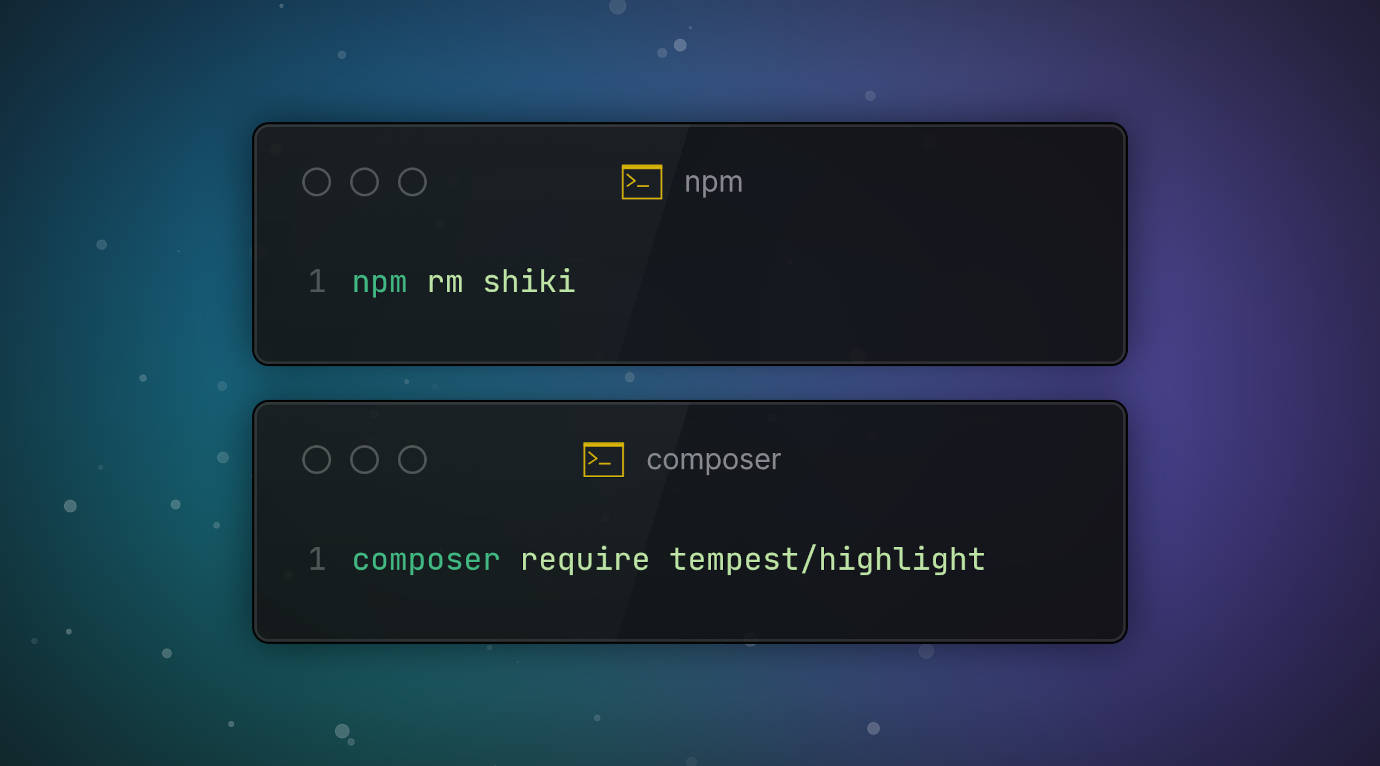
First, install the package:
composer require tempest/highlight
Since we're substituting it for Shiki, go ahead and remove that:
npm rm shiki
Configuration
Select the theme you want as described in the instructions. In my case, I chose Andromeeda.
@import "../../vendor/tempest/highlight/src/Themes/Css/andromeeda.css";
Note: The instructions also mention a way to import the styles inline using PHP if you prefer that method.
Next, disable Laravel Markdown code highlighting. It depends on Shiki anyway.
// config/markdown.php
return [
	'code_highlighting' => [
		'enabled' => false,
	],

	// other settings below...
];
Create a new FencedCodeRenderer class that implements \League\CommonMark\Renderer\NodeRendererInterface and \League\CommonMark\Xml\XmlNodeRendererInterface. I created mine like this:
class FencedCodeRenderer implements NodeRendererInterface, XmlNodeRendererInterface
{
	use Resumeable;

	/**
	 * @inheritDoc
	 */
	public function render(Node $node, ChildNodeRendererInterface $childRenderer)
	{
		// ...
	}

	public function getXmlTagName(Node $node): string
	{
		return 'fenced_code';
	}

	public function getXmlAttributes(Node $node): array
	{
		return [];
	}
}
Note:
Resumeableis my own trait. It's really only needed if you cache your config viaartisan config:cache. I wrote about that in Caching Laravel configs that use objects.
Build out the class's render() method. I use Tailwind on this project, so I'm also injecting some Tailwind classes.
public function render(Node $node, ChildNodeRendererInterface $childRenderer)
{
	FencedCode::assertInstanceOf($node);

	$highlighter = new Highlighter();

	$attributes = array_merge($node->data->get('attributes'), ['class' => 'inline-block p-4']);

	return new HtmlElement('pre', ['class' => 'block overflow-x-auto my-4 p-1 w-full'],
		new HtmlElement('code', $attributes, $highlighter->parse($node->getLiteral(), $node->getInfo()))
	);
}
Note: These code samples are abbreviated to show Highlighter registration and parsing. The full source is here.
Register this new renderer class in config/markdown.php.
return [
	// other settings above...

	'block_renderers' => [
		// \League\CommonMark\Extension\CommonMark\Node\Block\FencedCode
		['class' => FencedCode::class, 'renderer' => new FencedCodeRenderer(), 'priority' => 1],
	],

	// other settings below...
];
Lastly, I recommend clearing your cached configs and views with artisan config:clear and artisan view:clear. When adding custom renderers, the Laravel Markdown package tends to cache the renderers.
And we're done!
You should now be getting syntax highlighting for your fenced code blocks in your markdown content. This blog is currently using it.
If you're interested in learning more about implementing custom renderers, you can find that info on the CommonMark docs. This project uses several custom block and inline renderers, specifically because I wanted to try customizing them with Tailwind CSS classes. It's worked pretty nicely so far.
6 months ago
JSn1nj4 pushed to master at JSn1nj4/ElliotDerhay.com
6 months ago
JSn1nj4 pushed to develop at JSn1nj4/ElliotDerhay.com
6 months ago
JSn1nj4 pushed to develop at JSn1nj4/ElliotDerhay.com
6 months ago
JSn1nj4 pushed to master at JSn1nj4/ElliotDerhay.com
6 months ago
JSn1nj4 deleted jsn1nj4/jsn-335-refresh-view-live-button-url from JSn1nj4/ElliotDerhay.com